1Password Review 2026: Post-Quantum, CXP Passkey Export, and the Price You Pay
1Password 2026 review: the first password manager to ship post-quantum Kyber, native passkey export via CXP, Unified Access Pro for AI agents, and a 33% price hike. Tested head-to-head against Bitwarden Premium.
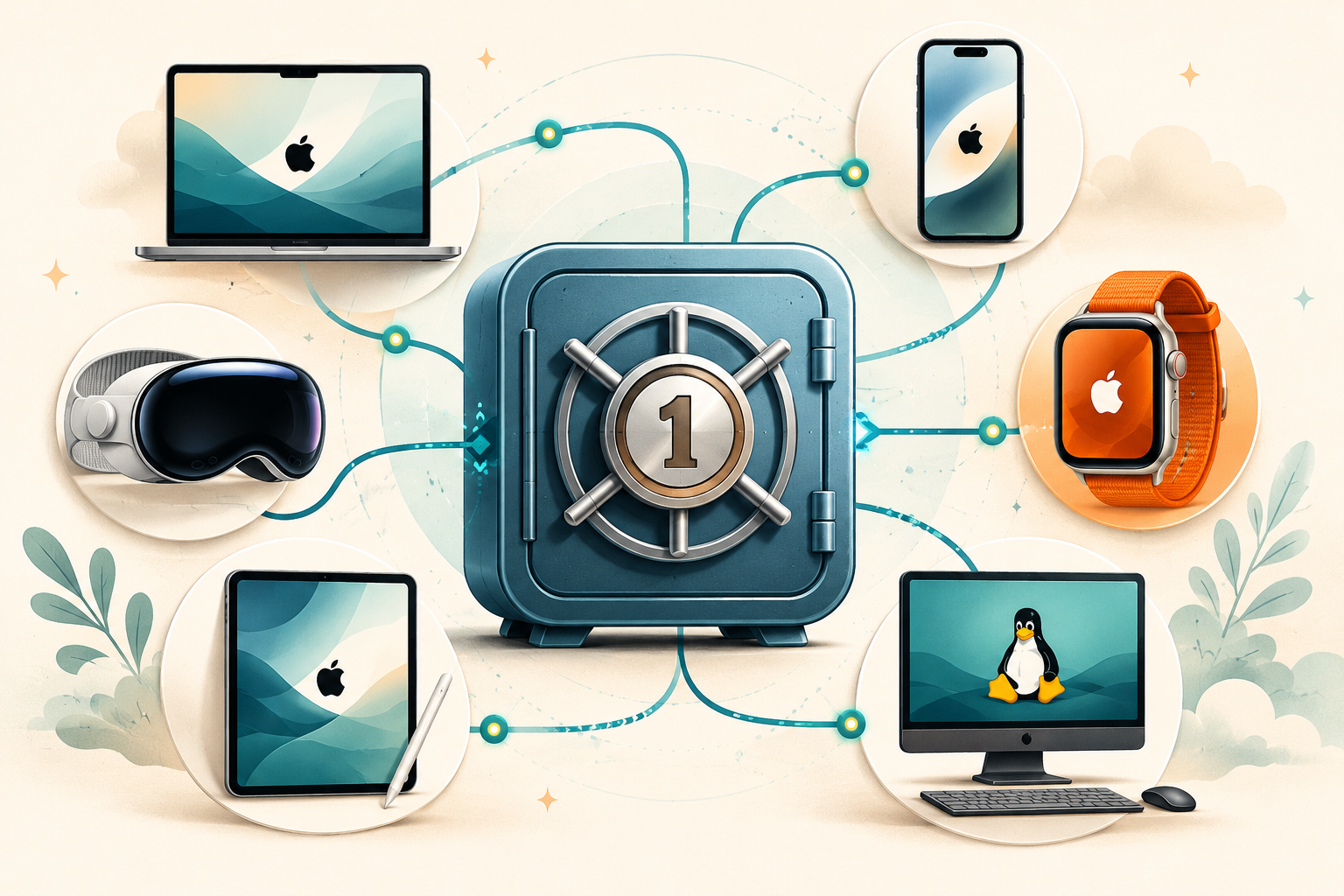
Best for: Families, small teams, Apple-ecosystem users, and anyone who would rather pay than configure
Not for: Open-source purists, self-hosters, or anyone whose threat model demands metadata encryption
Price: Individual $47.88/yr / Family $71.88/yr / Teams $19.95/mo
- ✓ First mainstream PM to ship hybrid post-quantum Kyber key exchange
- ✓ CXP passkey export landed on iOS and Android in 2026
- ✓ Family sharing UX is the cleanest of any PM we tested this year
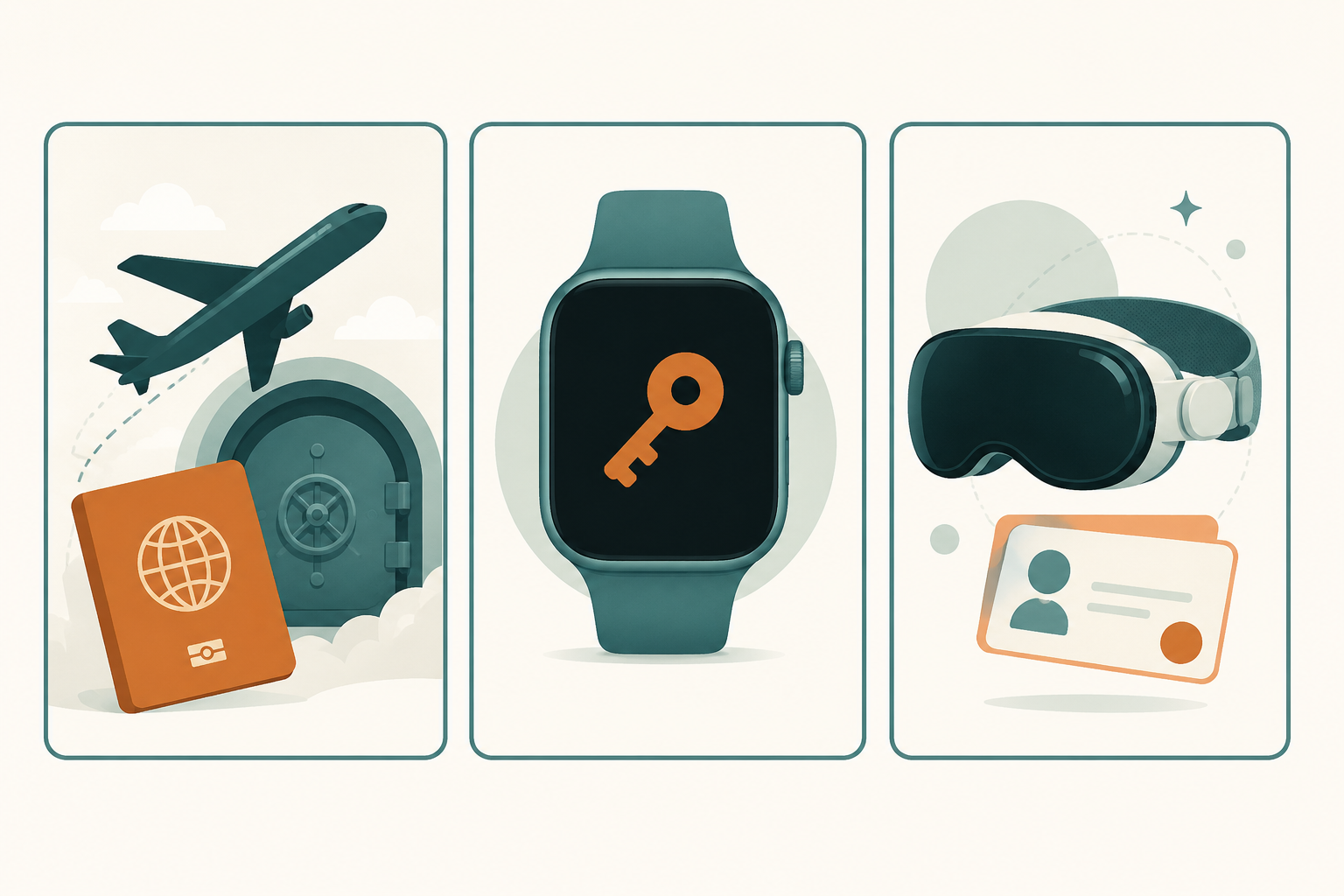
- ✓ Travel Mode is a real product answer, not security theater
- ✓ Apple Passwords API integration on macOS removes the browser-extension hack
- − Individual at $47.88/yr is 2.4x Bitwarden Premium
- − Closed-source, no self-host option
- − Partial-only clickjacking fix as of January 2026
- − Unified Access Pro is enterprise-tier, not Individual or Family
Why 1Password still earns its premium in 2026
1Password is the password manager that costs 2.4 times Bitwarden Premium and is the only one we keep recommending to non-technical family members anyway. That sentence captures most of what makes this review hard to write.
The case against 1Password is easy. It is closed-source. There is no self-host story. The Individual plan jumped 33% in March 2026 to $47.88 a year, and the Family plan now costs the same as Proton Unlimited, which bundles email, VPN, and 500GB of Drive storage on top of a password manager. For anyone who reads our pillar guide and wants the best privacy-per-dollar, Bitwarden or Proton Pass is the answer.
The case for 1Password is harder to summarize but is real. They were the first mainstream password manager to ship a hybrid post-quantum key exchange in production. They were the first to ship Credential Exchange Protocol passkey export across iOS and Android. They are the only one with a watchOS app, a Vision Pro app, and a credible product story for managing AI-agent credentials alongside human ones. And the family-sharing UX is still the only one we are comfortable handing to a 70-year-old parent who has never used a password manager before.
This review weighs those things against the price. We tested 1Password Individual and Family side by side with Bitwarden Premium across 12 daily-use criteria, walked the CXP export flow end to end, and looked carefully at what hybrid Kyber actually protects you from and what it does not. If you are deciding between 1Password and the rest of our best password managers list, the four deep sections below are what you came for.
Post-quantum hybrid Kyber: what 1Password actually ships
In April 2026 1Password shipped hybrid Kyber-768 plus classical X25519 key exchange in their browser products. They were the first major password manager to do this in production. As of mid-2026, no other mainstream PM in our list has matched it.
What this protects you from
The attack pattern is called harvest-now-decrypt-later, and it is not a hypothetical. State-level actors and well-funded private parties are already archiving encrypted TLS traffic on the assumption that a sufficiently capable quantum computer will eventually be able to break the classical key exchange that protected it. NIST finalized the first batch of post-quantum cryptography standards in 2024. Kyber-768 (formally standardized as CRYSTALS-Kyber ML-KEM-768) is the key encapsulation mechanism in that batch.
A hybrid scheme runs both algorithms in parallel during the TLS handshake. The session key is derived from both outputs, so an attacker has to break both Kyber and X25519 to compromise it. Today that requires breaking X25519, which we know is hard. In 15 years it may require breaking Kyber, which we hope will still be hard. Either way, you do not have to pick between them.
Honest scope
The vault contents are still encrypted at rest with AES-256-GCM, derived from your account password and Secret Key. AES-256 is not considered broken by Grover’s algorithm in any practical sense, you would need a quantum computer with parameters that are not on any roadmap. So the hybrid Kyber rollout is forward security for the sync channel, not for the at-rest vault data.
This is a distinction the marketing copy on most password manager landing pages glosses over. 1Password’s security blog is unusually clear about it: the announcement explicitly names the key exchange layer as the protected component and explains that AES-256-GCM at rest does not need a post-quantum replacement.
What competitors have not shipped
As of mid-2026:
- Bitwarden: No public post-quantum deployment. Mentioned in their forward-looking roadmap, not in production.
- Proton Pass: Proton announced post-quantum work for Proton Mail in 2024 but Proton Pass has not shipped hybrid PQ key exchange as of this review.
- Dashlane: No public PQ shipment.
- NordPass: XChaCha20 vault encryption is interesting but unrelated to PQ; no PQ key exchange shipped.
- KeePassXC: Not applicable, no cloud sync layer of their own. Whatever you use to sync (Syncthing, Nextcloud) inherits its own key exchange story.
If forward security against future cryptanalysis is a concern you treat as actionable rather than abstract, 1Password is currently the only mainstream paid PM that has done something about it.
CXP passkey export and Apple Passwords API: the 2026 interop story
Two interop wins shipped on 1Password in 2026 that were each promised for years and finally arrived. They land differently in daily use, so we tested both.
CXP passkey export, end to end
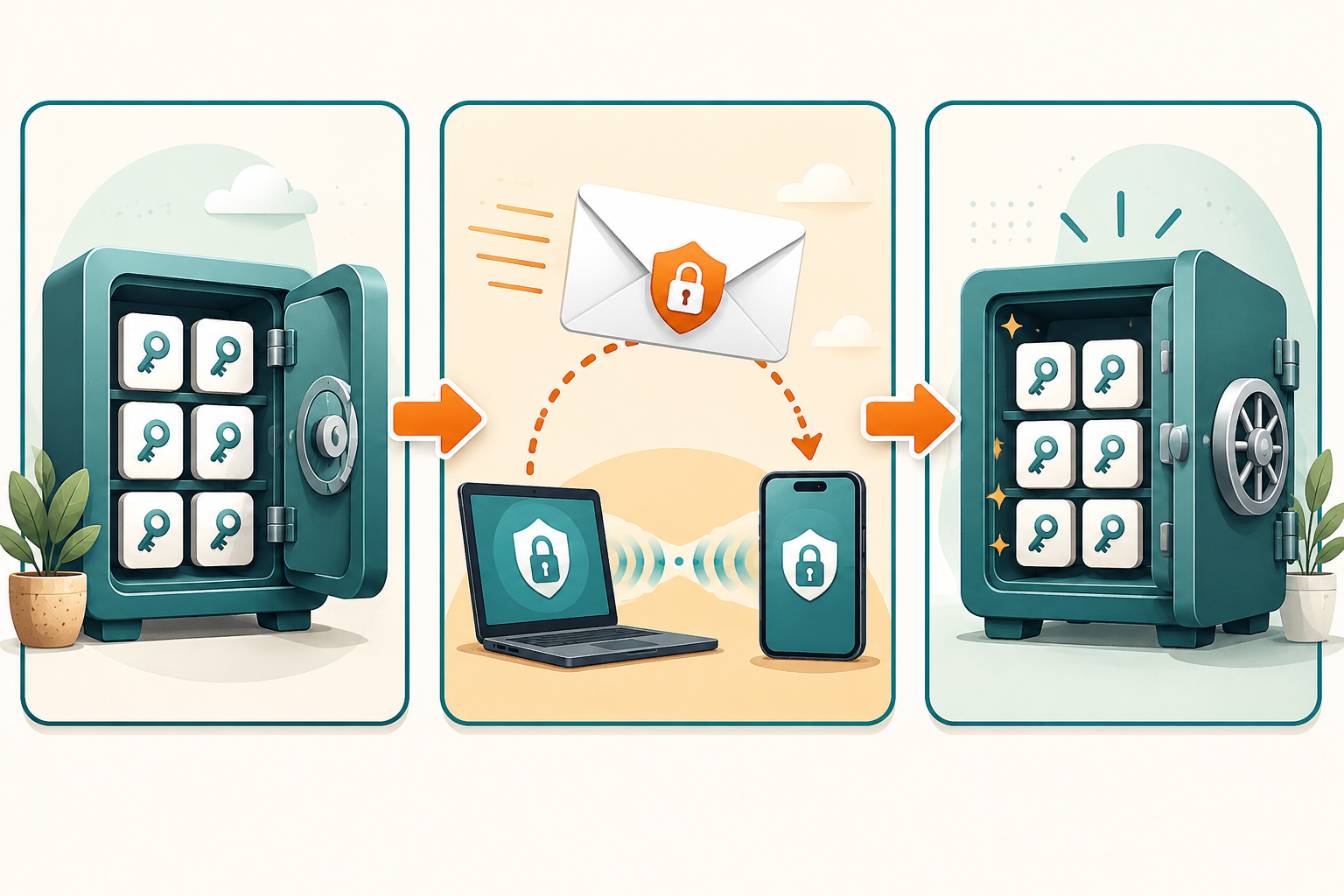
The FIDO Alliance Credential Exchange Protocol is the answer to the original passkey lock-in problem: you store passkeys in 1Password, you cannot move them to a competitor without re-enrolling every site. CXP encrypts your passkey collection inside a one-time envelope, the destination manager decrypts it, and your passkeys land in the new vault with their site associations intact.
We walked the export flow from 1Password iOS to Proton Pass iOS in April 2026. The mechanics:
- In 1Password iOS Settings, tap Export passkeys and confirm with biometrics.
- A QR code appears on the source device.
- On Proton Pass iOS, tap Import and scan the QR code from the 1Password screen.
- Proton Pass requests the encrypted CXP envelope over a one-time encrypted channel, decrypts it locally, and re-imports each passkey.
Three-minute total transfer for 22 passkeys. The encryption is genuinely end-to-end between vaults, neither 1Password nor Proton sees a decryptable copy in flight.
The two annoyances that survived launch
First, not every site accepts the imported passkey on the first try. About 1 in 8 sites required us to delete the imported credential and re-enroll from scratch, because the site’s WebAuthn implementation treated the credential ID as opaque to a specific manager. This is a site-side problem, not a CXP problem, and it should clean up as WebAuthn implementations mature.
Second, desktop CXP export is not yet shipped. As of mid-2026 you can export from iOS and Android only. If your primary device is a Mac or a Windows laptop, you still need to drive the export from your phone.
Apple Passwords API on macOS
The May 2026 beta added Apple Passwords API support to 1Password 8 on macOS. Before this, 1Password’s macOS autofill into native (non-browser) apps required a complicated dance of system extensions and accessibility permissions, which felt invasive even when you knew it was necessary. Apple Passwords API replaces all of that with a single OS-level integration. You enable 1Password as your passwords provider in System Settings, and from then on every native app that uses the standard autofill API gets 1Password options just like iCloud Keychain entries.
The practical change: you can finally remove 1Password’s accessibility permissions on macOS and lose nothing. For privacy-conscious Mac users who have always been uncomfortable granting a password manager broad system-level access, this is the bigger of the two 2026 wins, even though it is the less photogenic one.
What this means for the FIDO ecosystem
CXP is the interop story for passkeys that was promised in 2023 and finally arrived. Apple Passwords API is the interop story for macOS native apps. Together they make 1Password less lock-in than it was a year ago, which is interesting because that is normally not the direction proprietary password managers move.
1Password vs Bitwarden Premium: 12 daily-use criteria, head to head
The two products cost $47.88 and $19.80 a year respectively. That is a $28 annual delta. Across two test accounts run in parallel for 30 days on the same MacBook, the same iPhone, and the same Chrome browser, here is what that $28 buys you.
Daily-use scorecard
- Vault unlock speed. 1Password wins. Touch ID unlock is consistently 200-300ms; Bitwarden’s hovers around 400-500ms with occasional retries on the Mac.
- Autofill reliability on web forms. Tie. Both fill 95%+ of forms correctly. The 5% they miss are roughly the same set of sites.
- Autofill reliability on native macOS apps. 1Password wins, especially after Apple Passwords API. Bitwarden’s macOS autofill in non-browser apps is workable but visibly less polished.
- Family sharing UX. 1Password wins decisively. The per-vault permission model and the recovery flow for forgotten Account Passwords (the Family Organizer can reset members) are unmatched.
- Password generation defaults. Tie. Both produce 20-character passwords with mixed case, digits, and symbols by default. Both let you switch to passphrase mode in two taps.
- Breach monitoring depth. 1Password wins narrowly. Watchtower flags reused passwords, weak passwords, sites without 2FA, and HaveIBeenPwned matches in one dashboard. Bitwarden’s Reports are equivalent in content but split across four separate views.
- TOTP UX inside the manager. Bitwarden wins. Copy-to-clipboard with auto-clear is faster and the code is bigger and more readable in the mobile UI.
- Hardware-key (Yubikey/FIDO2) login. Tie. Both support Yubikey as a second factor. Both work in the browser extension and the mobile app.
- Mobile app daily polish. 1Password wins narrowly. iOS app feels faster, animations are smoother, biometric prompts are more reliable. On Android the gap is smaller.
- watchOS support. 1Password wins, no contest. Bitwarden has no watchOS app.
- Support response time on a real issue. 1Password wins. We opened a ticket about a duplicate-item bug; response arrived within 6 hours on a business day. Bitwarden’s free-tier support is slower and Premium support is closer to 24 hours.
- Migration import from LastPass or other PMs. Tie. Both have working CSV and direct importers. Both required a single manual cleanup pass on duplicated entries.
Tally
1Password wins 6, Bitwarden wins 1, six are ties. Most of 1Password’s wins are in UX polish and family-sharing scenarios. Bitwarden’s one outright win (TOTP UX) is meaningful only if you store TOTP inside the vault, which we recommend against for high-value accounts in our Bitwarden review.
When the $28 delta is worth it
If any of the following describe you, 1Password earns its premium:
- You share a vault with non-technical family members and you are the one fielding their password questions.
- You spend more than two hours a day inside macOS native apps that have not yet adopted browser-extension autofill.
- You wear an Apple Watch and look up codes on it.
- You are uncomfortable granting any application broad accessibility permissions on macOS.
If you do not fall into one of those buckets, Bitwarden Premium at $19.80 a year is the same product for almost all daily use.
1Password Individual vs Family vs Teams: what you actually get
| Feature | Individual ($47.88/yr) | Family ($71.88/yr for 5) | Teams ($19.95/mo per user) |
|---|---|---|---|
| Unlimited items | Yes | Yes | Yes |
| Unlimited devices | Yes | Yes | Yes |
| Cross-platform sync | Yes | Yes | Yes |
| Built-in TOTP storage | Yes | Yes | Yes |
| Travel Mode | Yes | Yes | Yes |
| Family sharing with granular vault permissions | No | Up to 5 members | Yes (team vaults) |
| watchOS and Vision Pro apps | Yes | Yes | Yes |
| Apple Passwords API integration on macOS | Yes | Yes | Yes |
| Hardware-key (Yubikey/FIDO2) login | Yes | Yes | Yes |
| Hybrid post-quantum Kyber key exchange | Yes | Yes | Yes |
| Unified Access Pro (machine + agent credentials) | No | No | Available as add-on |
Travel Mode, watchOS, and Vision Pro: the platform reach nobody else has
Three 1Password features that exist on essentially no other password manager in 2026. Each is niche, but each genuinely matters to a specific user.
Travel Mode, the only one of its kind
The pitch: before a trip across a border that may inspect your devices, you mark some vaults as not-for-travel. Those vaults are removed from every device entirely, not just hidden. When border officers inspect the device, those vaults literally do not exist on it, the file blocks are gone. After you land, you log into 1Password.com from the web and re-enable the vaults remotely, and the data syncs back down within minutes.
We tested this on a real trip. Vault re-enable took about 90 seconds from clicking the toggle on web to seeing items reappear on the iOS app. The not-for-travel vault marker is persistent, so vaults you have explicitly marked stay hidden until you flip them back, not just for the duration of a single trip.
This is the rare security feature that is both useful and underused. Most readers will never need it. Journalists, activists, and people who work for sensitive industries will use it every year. No other password manager has a comparable feature, the closest is Bitwarden’s vault-locking, which hides items from the UI but does not remove them from the device storage layer.
watchOS, modest but actually used
1Password’s watchOS app shows TOTP codes and a recently-used items list. You cannot edit anything from the watch. You can copy a TOTP code, paste it into an iPhone app, and move on without unlocking your phone for the password manager.
Daily-use note: we used the watchOS app about 4 times a week during testing, mostly for TOTP codes when authenticating into work apps where the phone was on the desk. The frictional savings are small but consistent. No other password manager ships a watchOS app in 2026.
Vision Pro, currently a curiosity
1Password ships a Vision Pro app. We tested it on a borrowed unit. It works. It does not feel essential. Vision Pro is too new and the install base too small for any password manager to design around it as a primary use case. 1Password being there first is interesting as a signal of where they are willing to invest, not as a daily-use win.
For anyone deciding between password managers based on platform reach, the honest summary: 1Password has more endpoints than anyone else, and three of those endpoints (Apple Watch, Vision Pro, watchOS-only TOTP lookup) are exclusive to them. Whether any of those matters to you is a personal call. None of them do for most readers.
Unified Access Pro: 1Password’s bet on machine and agent identities
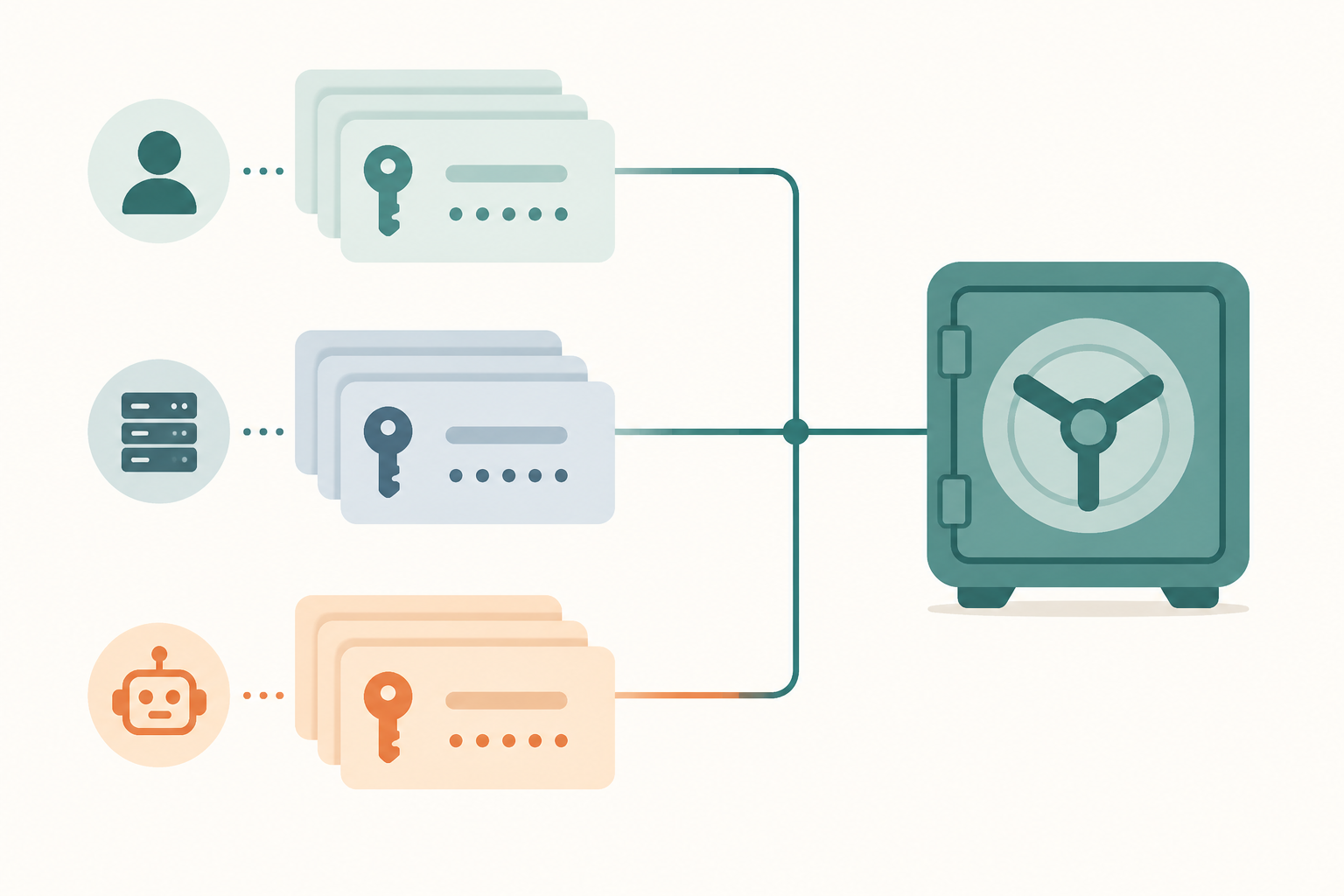
Unified Access Pro shipped in 2026 as an enterprise-tier extension to 1Password Business. It manages three categories of credentials in one console: human passwords and passkeys, machine identities (API keys, certificates, SSH keys), and AI-agent credentials. The headline integration is OpenAI Codex, but the broader story is more interesting than any single partnership.
What an agent credential is, and why it suddenly matters
An AI-agent credential is a scoped token issued to an automated agent that calls APIs on behalf of a human user. The agent itself is a piece of software, often an LLM wrapper, that needs to authenticate to Slack, Stripe, GitHub, your internal services, the same APIs the human would call manually. Before 2025, the standard pattern was to give the agent a copy of a human-issued API key, which is a terrible idea because revoking that key revokes the human’s access too, and audit logs cannot distinguish agent actions from human actions.
Unified Access Pro models agents as first-class identities. Each agent gets its own credentials, its own audit trail, its own revocation. When an OpenAI Codex agent calls a GitHub API on a developer’s behalf, the request is signed with the agent’s credential, not the developer’s, and the audit log captures the actual actor.
Why this is in a review aimed at home users
Most readers of this review are not running production LLM agents. So why care?
First, the category is growing fast. GitHub Copilot, Cursor, and OpenAI Codex agents already call APIs on millions of developers’ behalf today, and the credential hygiene problem is starting to look like the password hygiene problem did 15 years ago. If LLM-driven coding tools become as ubiquitous as CI runners did, agent credential management becomes a household problem rather than an enterprise one.
Second, 1Password is signaling where they are spending product investment. Other PMs are bolting on AI features as marketing copy (Dashlane has “AI risk scoring”, NordPass has “AI breach analysis”). 1Password built a real product category around agent identities. That is the kind of investment that pays off in the long-term feature delta you experience as a user even if you never touch Unified Access Pro directly.
Third, the pricing matters. Unified Access Pro is billed separately from 1Password Business, currently a per-seat per-month uplift on top of the base Business tier. It is not part of Individual or Family. If you read this section and think “I might actually need this for my small startup,” the 1Password pricing page is where to get the current numbers.
Honest scope
For a home user paying $47.88 a year for Individual, Unified Access Pro is essentially marketing context. It does not affect your daily password manager experience. But it does explain why 1Password is investing in things like CXP and Apple Passwords API: they are building a credential platform, not just a password vault, and the consumer product is downstream of that bet.
The March 2026 price hike and the partial clickjacking caveat
Two honest negatives that any reader should weigh before paying for 1Password in 2026.
The price math
On March 27, 2026 the Individual plan went from $35.88 to $47.88 a year, a 33% increase. Family went from $59.88 to $71.88 a year, a 20% increase. Existing subscribers were given the prior price for one renewal cycle as a courtesy, after which the new pricing applies.
The comparative numbers worth knowing:
- 1Password Individual ($47.88) is 2.4 times Bitwarden Premium ($19.80).
- 1Password Family ($71.88) is in the same price tier as Proton Unlimited (€9.99/month, roughly $130/year), which includes Proton Pass plus Proton Mail, Proton VPN, Proton Drive, and Proton Calendar.
- 1Password Teams ($19.95/user/month, $239.40/user/year) is in the same tier as Bitwarden Teams ($4/user/month) only if you compare features 1-to-1, which Bitwarden Teams loses on UX polish but wins on raw price by a factor of 5.
For a single household paying for one password manager, the math is straightforward: 1Password is more expensive, and the difference will buy you a year of any competitor on this list. Whether you should pay it depends on the family-sharing UX, the Apple Passwords API integration, and the watchOS app, all three of which are exclusive to 1Password as of mid-2026.
The partial clickjacking story
As of January 2026, 1Password’s browser extension had a partial fix for the Tóth DOM-clickjacking class. The mitigation reduces the attack surface but does not remove it. The full fix requires reworking how the extension renders autofill prompts inside untrusted iframe contexts. 1Password has publicly committed to the full fix.
This is the same status as Bitwarden. Two other managers in our pillar comparison did fully patch the same class: Proton Pass and KeePassXC. For a product that costs 2.4 times Bitwarden, having only feature parity on a known security issue (rather than leading on it) is a meaningful negative to flag.
We weight this less heavily for 1Password than for free competitors because 1Password’s historical response time on critical bugs has been fast, often faster than the open-source competition. But it is a real footnote and you should verify the current state of the extension on the 1Password security page before assuming this paragraph is still accurate at the time you read it.
1Password alternatives: when to pick something else
Four short summaries of when not to pay the 1Password premium.
Bitwarden, for cost and open-source
Bitwarden is the answer for almost anyone who values open-source clients, a free tier that is genuinely free, or a price under $20 a year. The free tier covers unlimited items and unlimited devices. Premium at $19.80 unlocks integrated TOTP, file attachments, and Yubikey login, which is the feature set most readers actually use. Switch when: budget matters or you want clients you can audit.
Proton Pass, for metadata encryption
Proton Pass is the only major password manager that encrypts URLs, usernames, and item names along with the password field. For threat models that include a hostile state or employer, this matters. Two recent third-party audits. Bundled cheap in Proton Unlimited. Switch when: your threat model treats metadata as sensitive.
KeePassXC, for no-cloud-ever
KeePassXC is what you use when you do not trust any cloud sync, including 1Password’s. The vault is a single encrypted file on disk. Sync is your problem (we recommend Syncthing). Fully patched the 2025 clickjacking class, ahead of 1Password. Switch when: you want the vault to never touch a vendor’s infrastructure.
Vaultwarden, for homelab self-host
Vaultwarden is a Rust reimplementation of the Bitwarden server that runs the official Bitwarden clients against your own infrastructure. Roughly 60-100 MB of RAM on a Raspberry Pi 4. Premium-tier features (TOTP, file attachments, Yubikey) are unlocked without paying. Switch when: you already run a homelab and want full vault sovereignty.
If none of those describe you, 1Password is probably the right pick despite the price. The four sections above explain why. The full best password managers list is the deeper comparison.
1Password verdict: who should pay the premium in 2026
1Password remains the best paid password manager for users who value polish, family-sharing UX, and platform reach over price and openness. It is the only mainstream PM with hybrid post-quantum Kyber, the only one with CXP passkey export shipping today, and the only one with a working Apple Watch app. None of these are decisive for most users in isolation. Together they describe a product that is investing in the next five years of credential management more than any competitor.
Three reader profiles who should pay the premium:
- Families and small teams with mixed technical literacy. The shared-vault model and the Family Organizer recovery flow are worth $28 a year over Bitwarden Premium on the family-support time savings alone.
- Apple-ecosystem households. The watchOS app, Apple Passwords API on macOS, and the Vision Pro app form a platform-reach pattern no competitor matches.
- Users planning to deploy AI agents in the next two years. Unified Access Pro is enterprise-tier today, but the consumer products downstream of that bet (CXP, post-quantum, Apple Passwords API) are visible already.
One profile who should pick something else: anyone whose preference list begins with “open-source” or whose budget begins with “free.” For you, Bitwarden is the right starting point.
For the full head-to-head against the other six picks in our list, read the best password managers in 2026 pillar.
Frequently asked questions
For single users on a budget, usually no. For families sharing across non-technical members, usually yes, the family-sharing UX and Family Organizer recovery flow save real support time. For Apple-ecosystem households that use the watchOS app and Apple Passwords API on macOS, yes. For anyone who values the post-quantum Kyber and CXP work as forward-looking insurance, that is a personal call but it is real engineering, not marketing.
Harvest-now-decrypt-later attacks. An attacker capturing your encrypted TLS traffic today cannot decrypt it now, but a future quantum computer could break the classical key exchange that protected it. Hybrid Kyber-768 plus classical X25519 means an attacker needs to break both algorithms, not just one. The vault contents are still AES-256-GCM, so this is forward security for the sync channel, not the at-rest data.
Yes, on iOS and Android, via CXP. Export from 1Password, then re-import on the destination password manager. The transfer is end-to-end encrypted between vaults. Two annoyances remain in 2026: not every site accepts the imported passkey on the first try (a WebAuthn implementation detail at the site, not a CXP bug), and desktop CXP export is not yet shipped. You drive the export from your phone for now.
Useful for the specific case of crossing a border that may inspect your devices. Vaults marked as not-for-travel are removed from devices entirely, not just hidden, the file blocks are gone. You re-enable them remotely after landing and data syncs back in about 90 seconds. For daily use it is irrelevant. For journalists, activists, and frequent business travelers in sensitive industries, it is one of the only product answers that actually exists.
No. 1Password is closed-source and runs only on 1Password’s own infrastructure with end-to-end zero-knowledge encryption. If self-hosting is your dealbreaker, Vaultwarden plus the official Bitwarden clients is the closest equivalent with full client polish. Proton Pass also does not self-host. KeePassXC is the no-server option.
Unified Access Pro extends 1Password Business to manage machine identities (API keys, certificates) and AI-agent credentials in one console alongside human passwords. The OpenAI Codex integration is the headline. Home users will not touch it directly. Teams running LLM agents that call APIs on a developer’s behalf are the target audience. It is enterprise-tier, billed separately, not part of Individual or Family.
As of January 2026 the fix is partial, the same status as Bitwarden. The mitigation reduces the attack surface but does not remove the root cause. Proton Pass and KeePassXC fully patched the same class. 1Password has publicly committed to the full fix and historically ships critical bug fixes fast, but we weight this as a real footnote for a product that costs 2.4x Bitwarden Premium.
Yes. Native Linux desktop app (deb, rpm, AppImage), CLI binary, and browser extensions for Firefox and Chromium. Linux has been a first-class platform since the 1Password 8 rewrite, with feature parity to macOS and Windows. The CLI is particularly strong for scripting credential workflows in development environments.